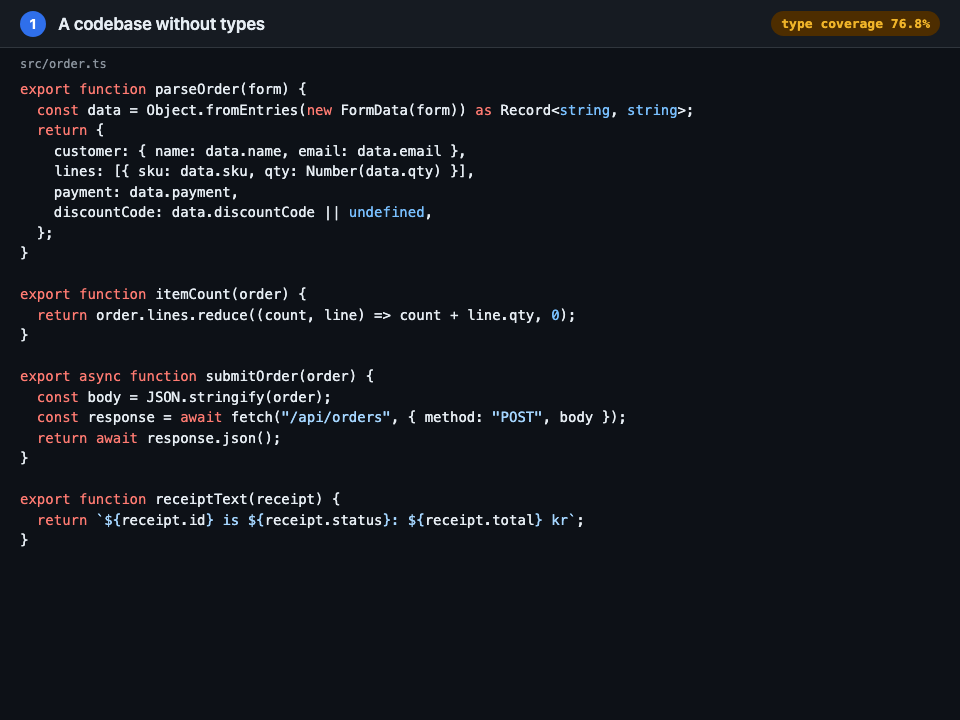
- 1. A codebase without types
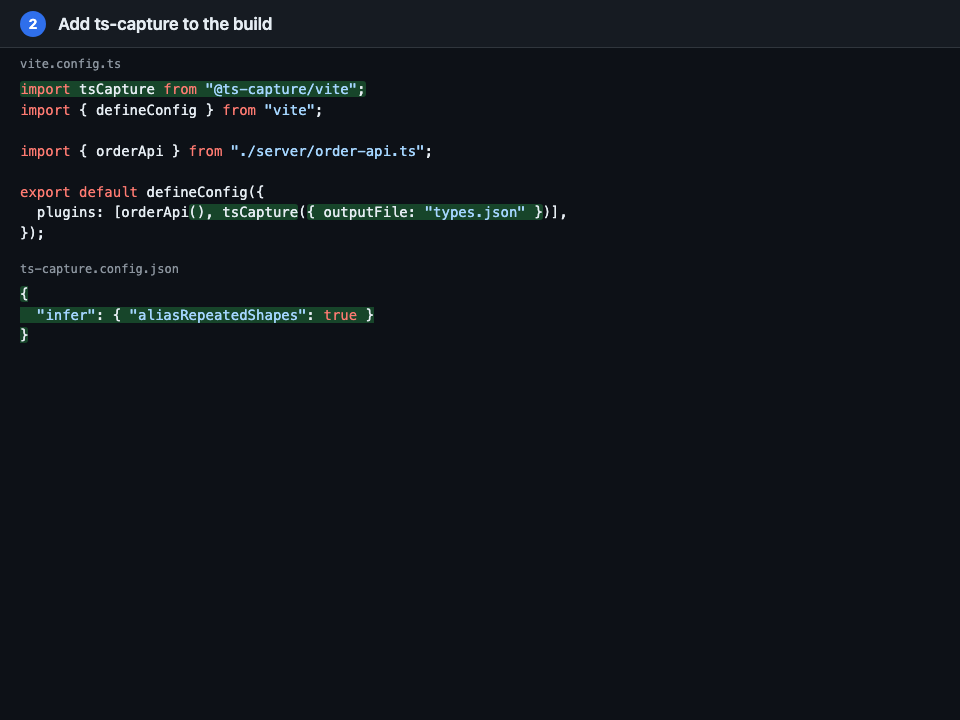 2. Add ts-capture to the build
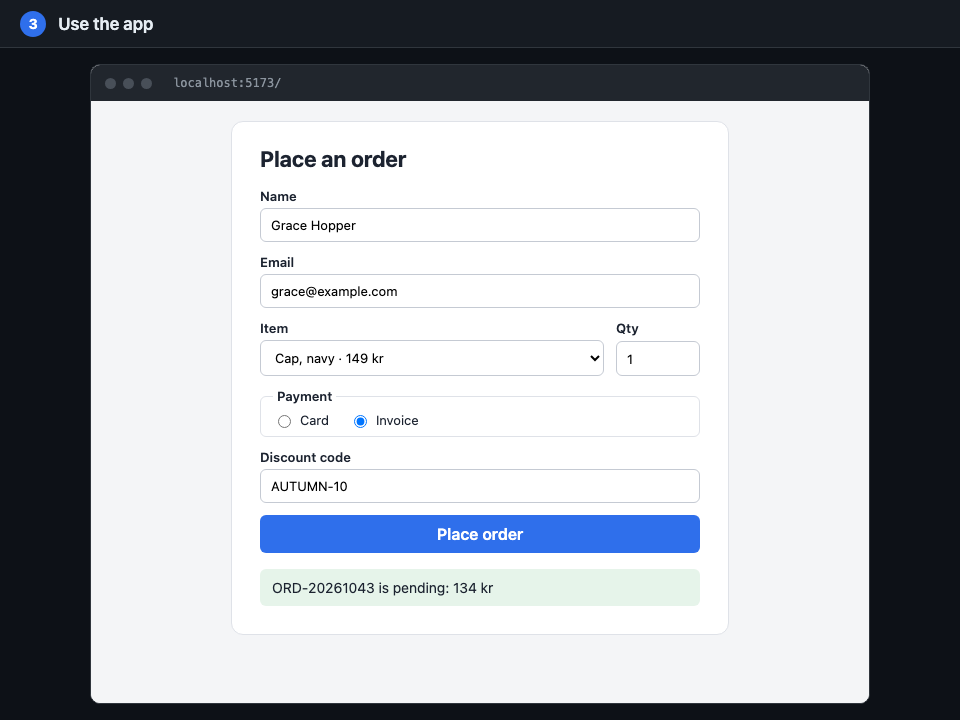 3. Use the app
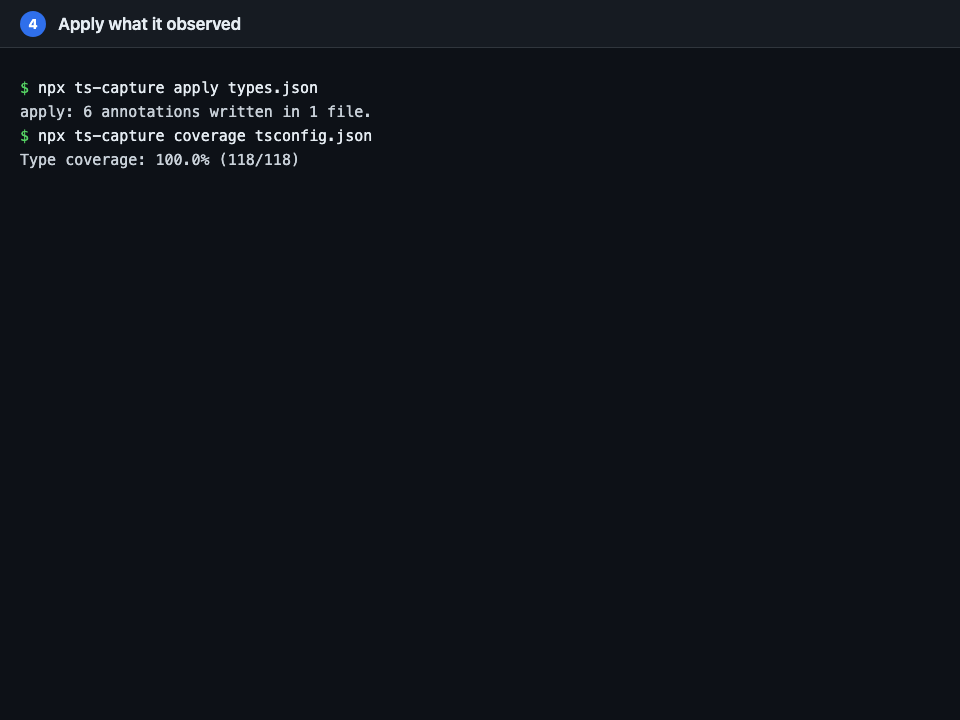 4. Apply what it observed
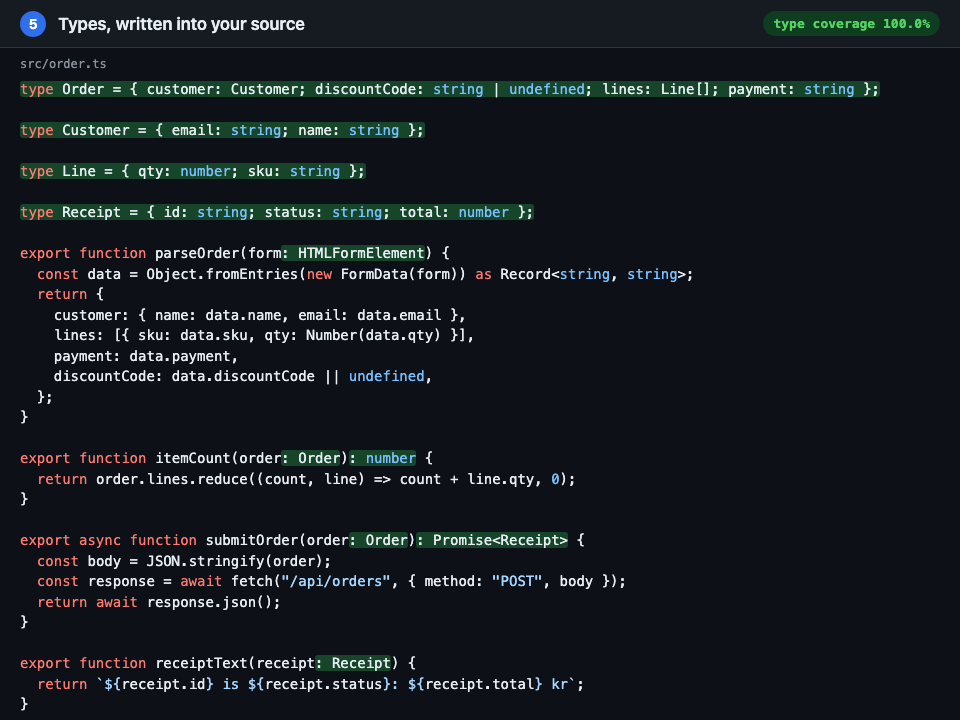 5. Types, written into your source
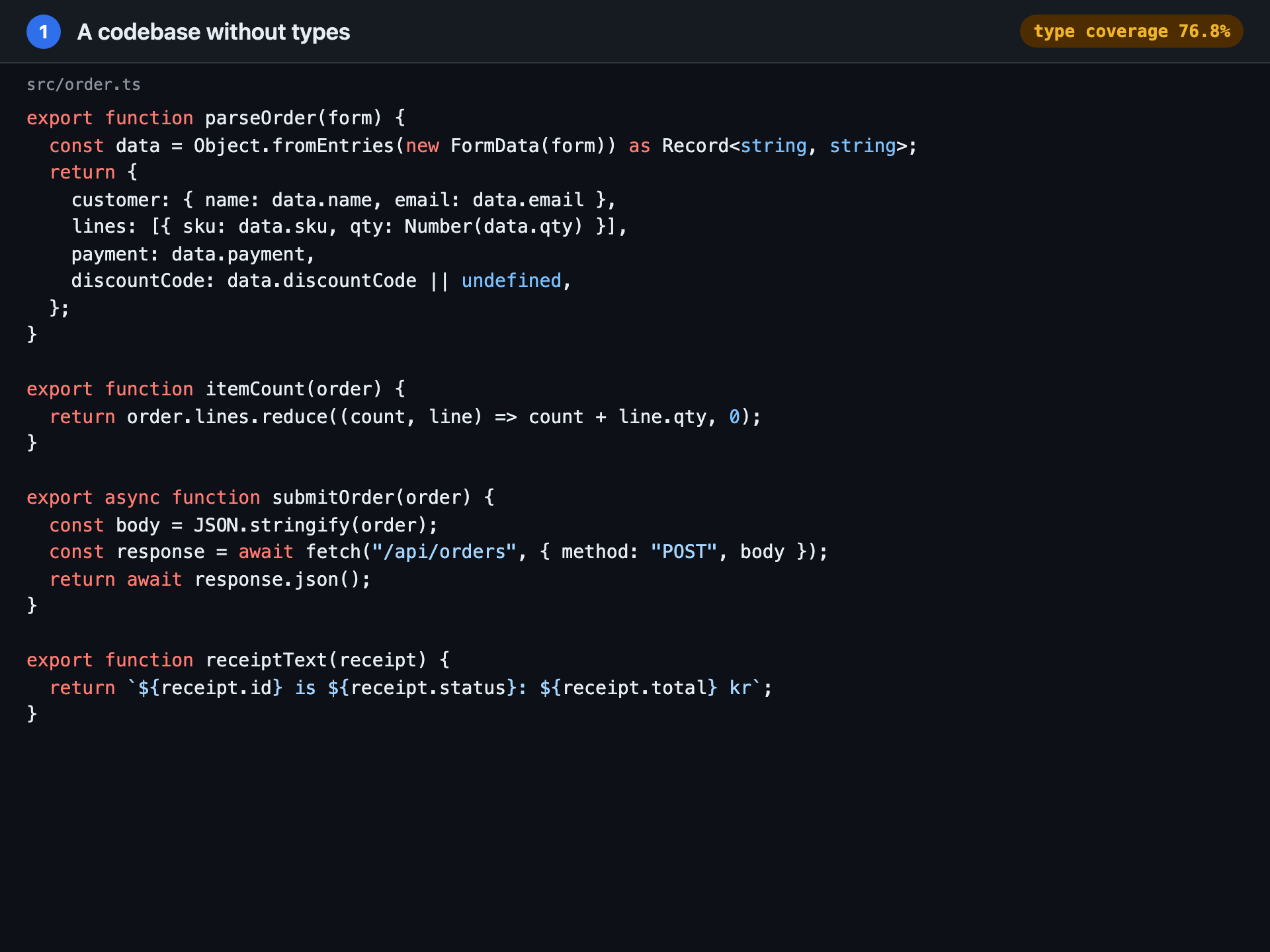
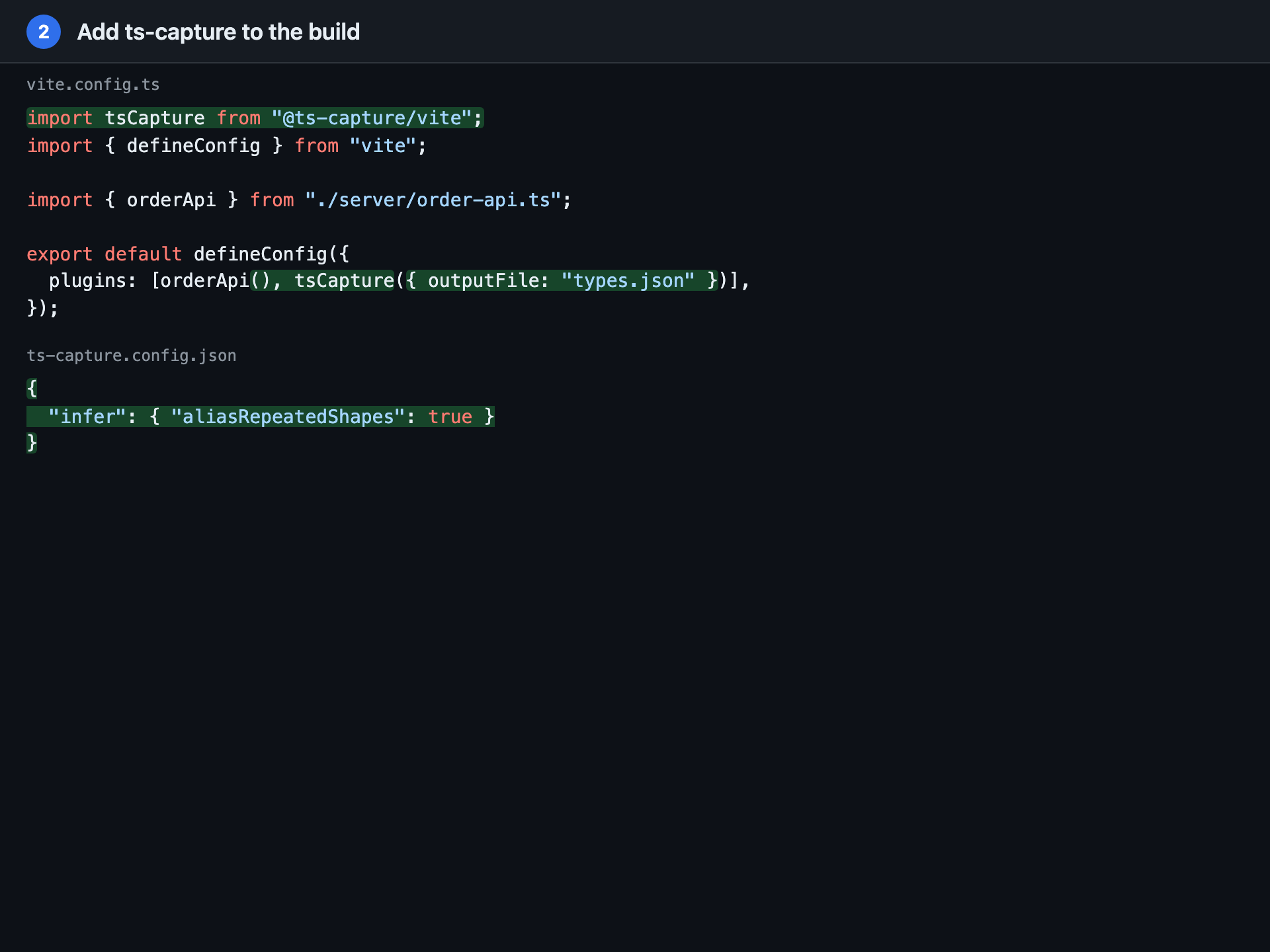
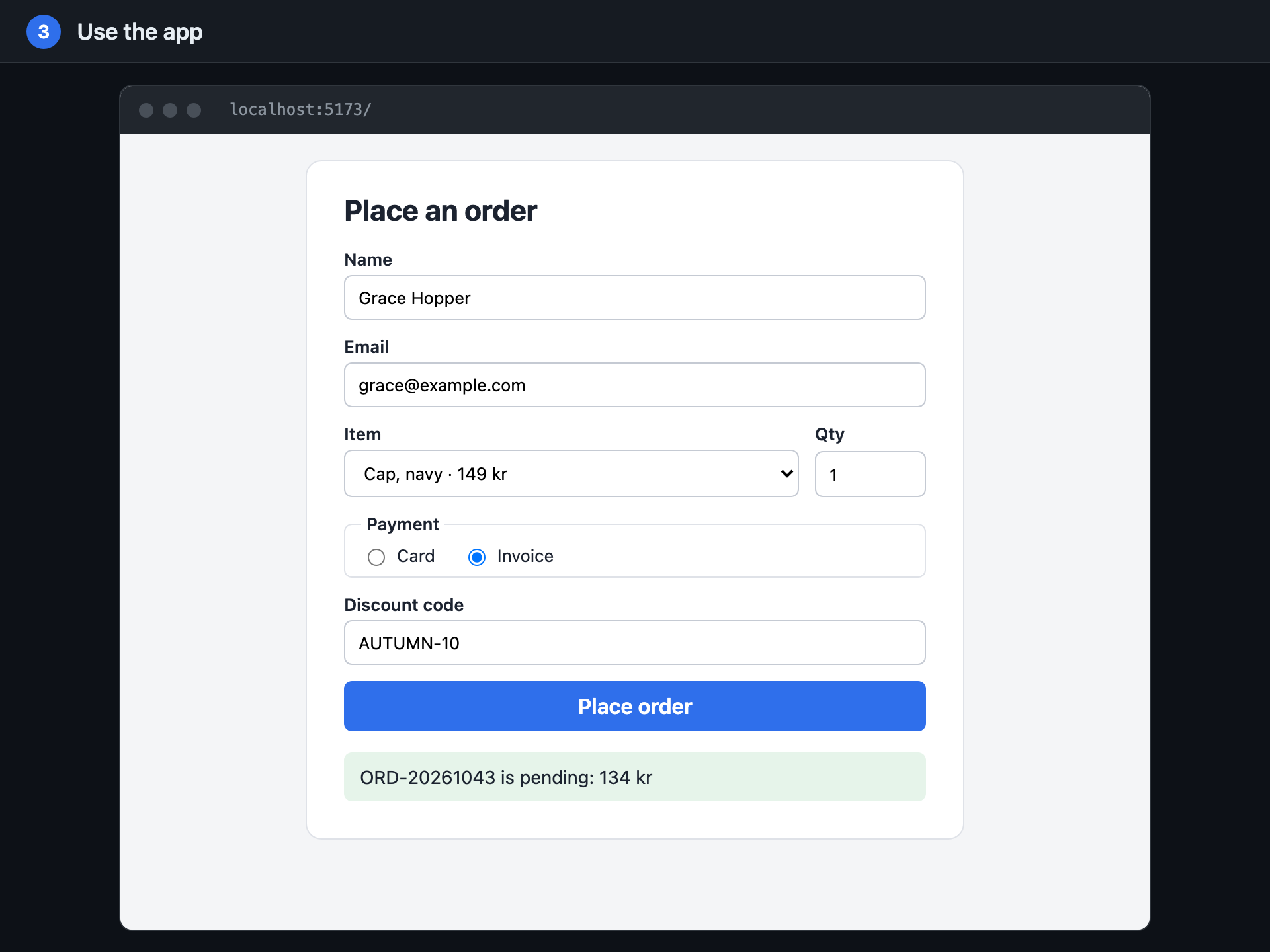
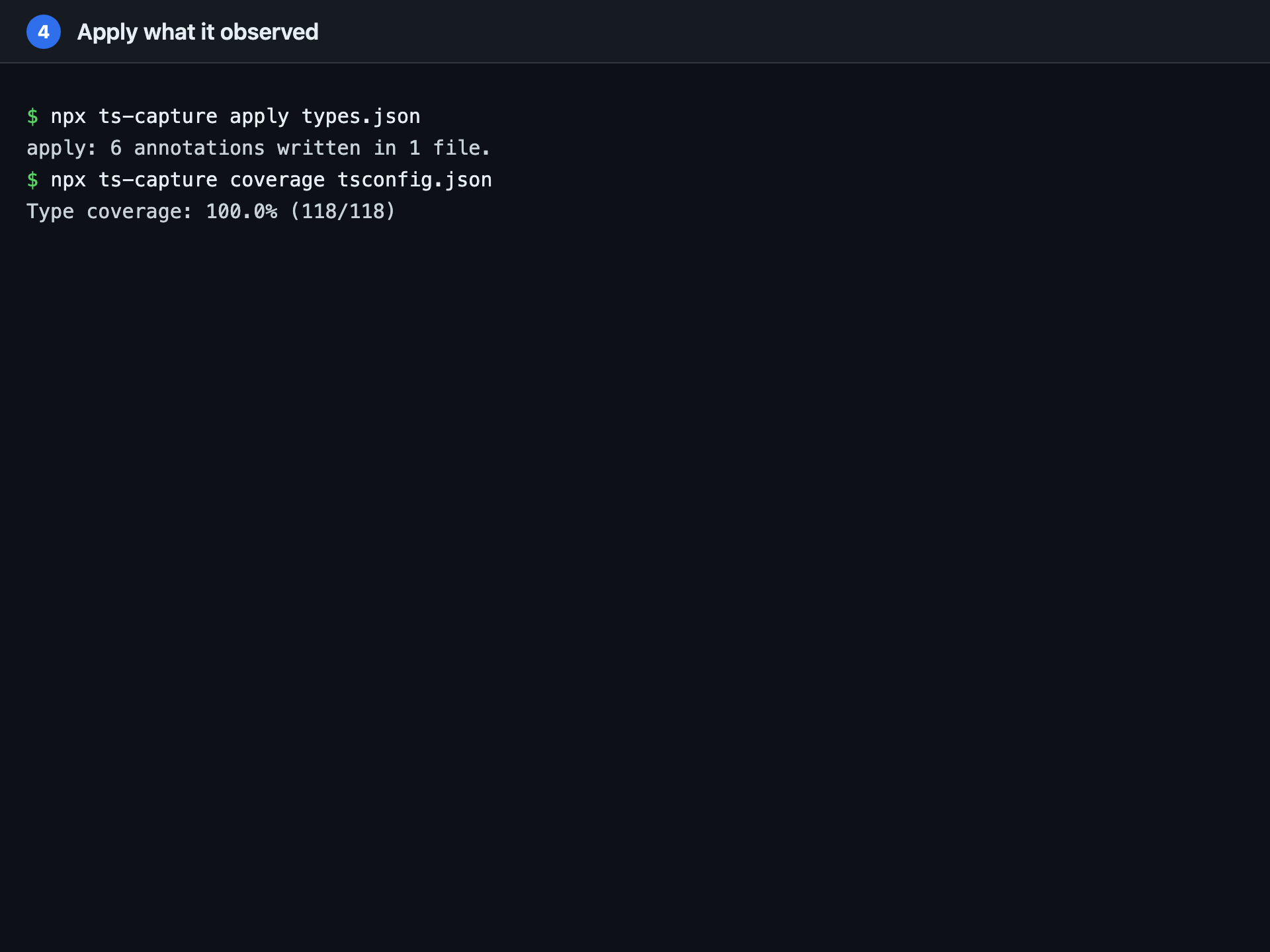
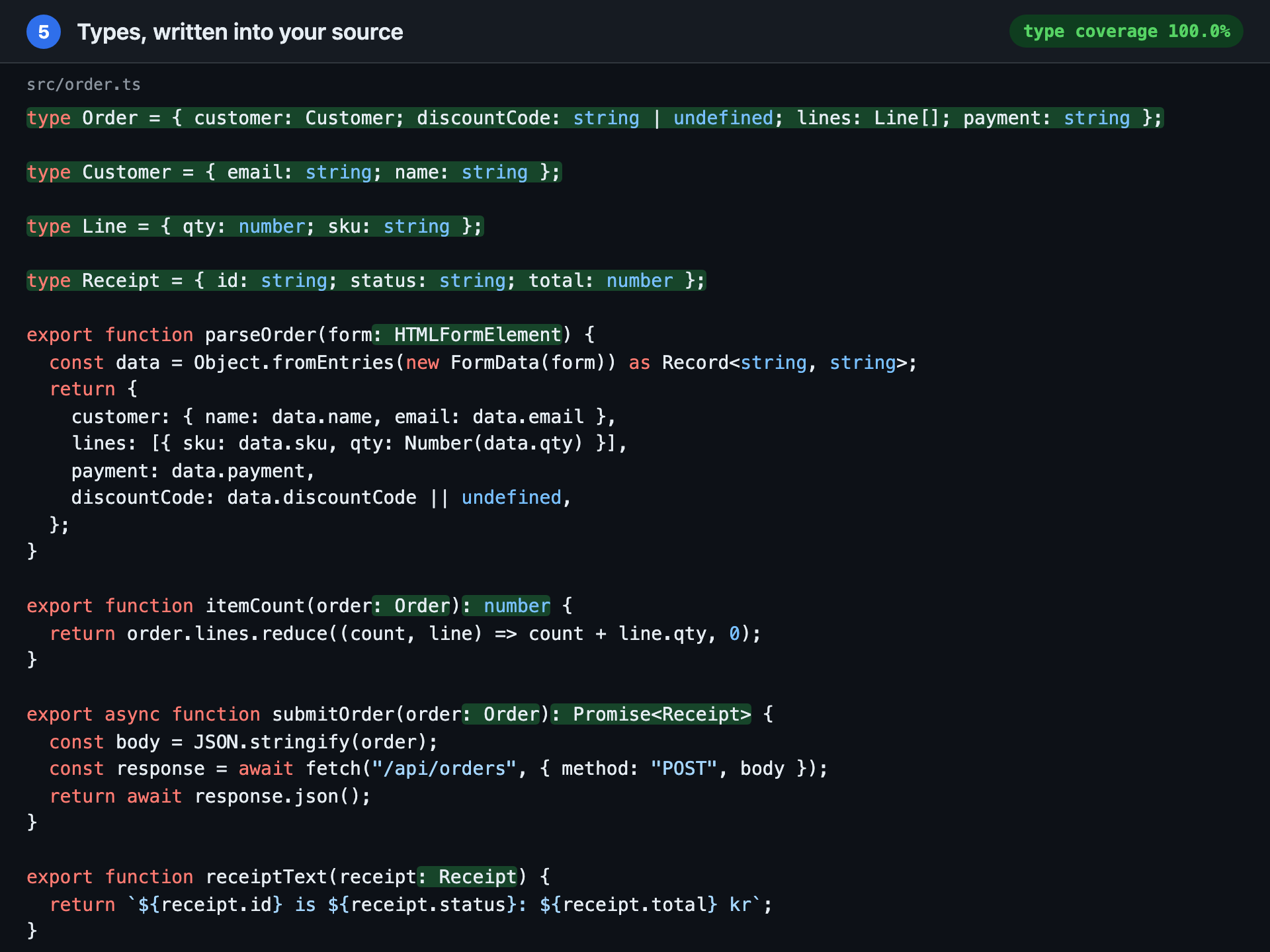
ts-capture apply writes four named types and six annotations into the source, taking type coverage from 77% to 100%.The recording is made by running every step for real; nothing in it is written by hand. See what it wrote into real projects, the results a reviewer should change included, or try it in your browser, on code or on a JSON value.
Install
-
Vite or Vitest
Guidenpm install --save-dev @ts-capture/vite @ts-capture/core -
Svelte 5
Guidenpm install --save-dev @ts-capture/svelte @ts-capture/vite @ts-capture/core -
Jest (Babel)
Guidenpm install --save-dev @ts-capture/babel-plugin @ts-capture/core -
esbuild or tsup
Guidenpm install --save-dev @ts-capture/esbuild @ts-capture/core -
Plain Node, no bundler
Guidenpm install --save-dev @ts-capture/core
Then run your tests, and npx ts-capture apply types.json --dry-run to see what it would write. The getting started tutorial takes a first run from install to apply.
Already typed? Run the tests with TS_CAPTURE_OBSERVE_ANNOTATED=1 and npx ts-capture verify lists the types you wrote that the run contradicts. See check the types you wrote.
ts-capture rewrites your source files, runs your getters while observing, and writes what it observed to disk. Commit your work first, and read review and apply safely before pointing it at a real codebase. The packages are 0.x: the API may change between minor versions.